

Description
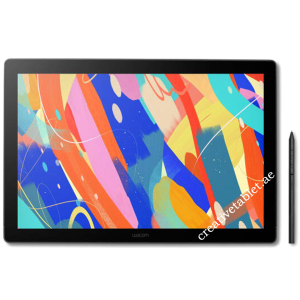
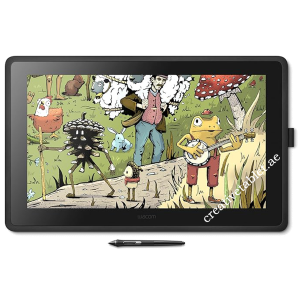
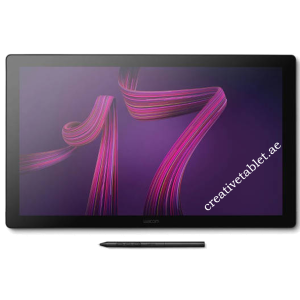
Wacom Cintiq Pro 27 DTH271K0B-ST Key Features
- Brand: Wacom
- Series: Cintiq Pro
- Model: DTH271K0B-ST
- Model Code: DTH271
- Product Type: Creative Pen Display
- Bundle: Cintiq Pro 27 + Wacom Stand
- Display Size: 26.9 inches / 68.3 cm
- Display Technology: IPS
- Resolution: 3840 × 2160
- Resolution Type: 4K UHD
- Aspect Ratio: 16:9
- Refresh Rate: Up to 120Hz
- Active Area: 596 × 335 mm
- Active Area: 23.5 × 13.2 inches
- Brightness: 400 cd/m² typical
- Contrast Ratio: 1000:1 typical
- Response Time: 10 ms typical
- Color Depth: 10-bit RGB / 30-bit
- Colors: Up to 1.07 billion
- DCI-P3: 98%
- Adobe RGB: 99%
- Rec.709: 100%
- HDR: HDR Gamma / HDR PQ / HLG
- Pantone: Pantone Validated
- Pantone SkinTone: Validated
- Glass: Edge-to-edge tempered AG glass
- Pen: Wacom Pro Pen 3
- Pressure: 8,192 levels
- Pen Resolution: 5,080 lpi
- Pen Tilt: 60°
- Pen: Battery-free
- Multi-Touch: Yes
- Touch: 10 fingers
- ExpressKeys: 8
- USB-C: 2
- USB-A: 1
- HDMI: 1
- Mini DisplayPort: 1
- VESA: 100 × 100 mm
- Stand: Wacom Cintiq Pro 27 Stand included
- Display Weight: 7.2 kg
- Display Dimensions: 638 × 379 × 31 mm
- Color: Black
- Security: Kensington Security Slot
Wacom Cintiq Pro 27 with Stand – Product Overview
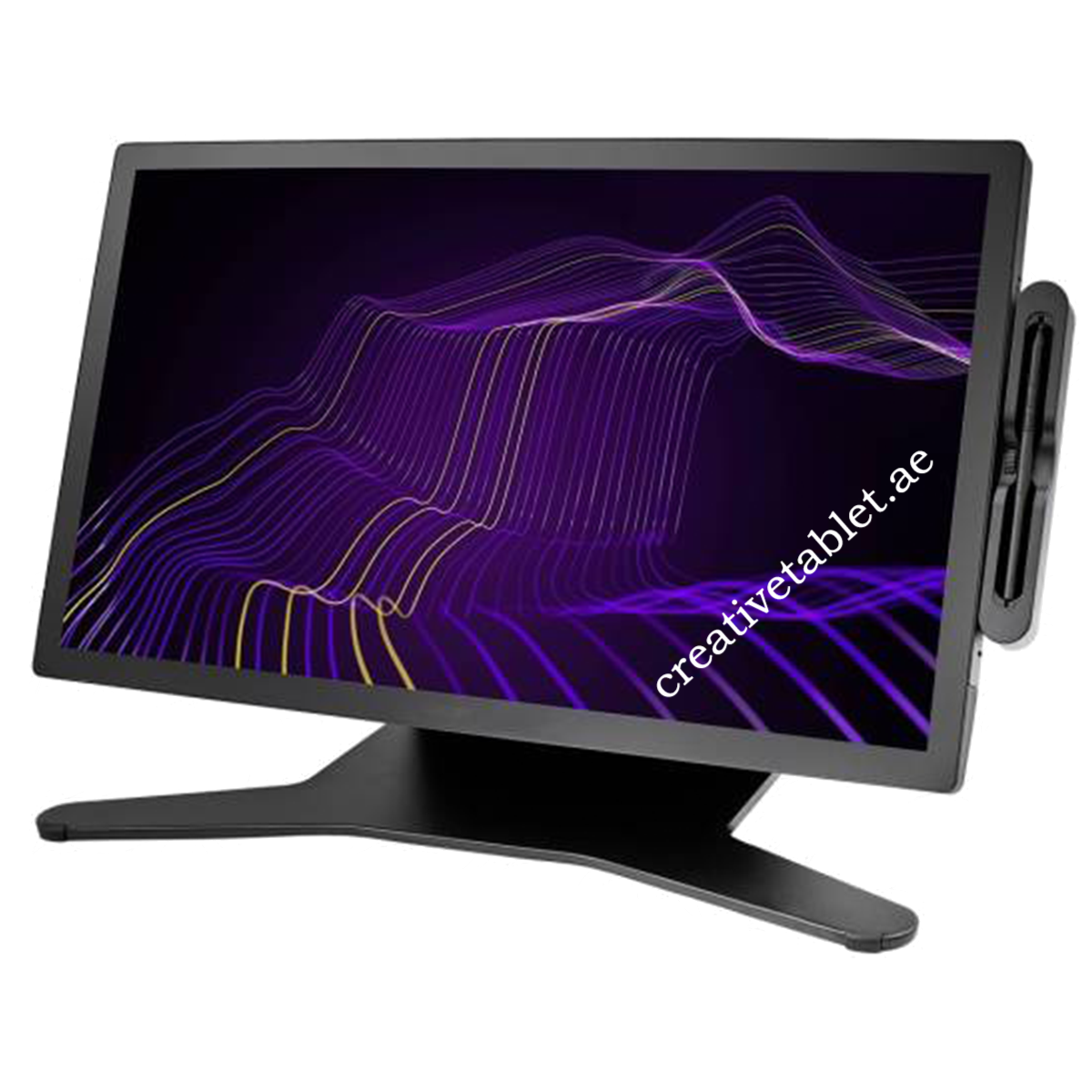
The Wacom Cintiq Pro 27 DTH271K0B-ST is a professional creative pen display designed for illustrators, animators, game developers, 3D artists, photographers, graphic designers, visual-effects professionals and other demanding creative workflows.
The large 26.9-inch 4K UHD IPS display provides 3840 × 2160 resolution, while the 120Hz refresh rate delivers smooth visual feedback. The display covers 98% DCI-P3, 99% Adobe RGB and 100% Rec.709, with Pantone Validated and Pantone SkinTone Validated certifications.
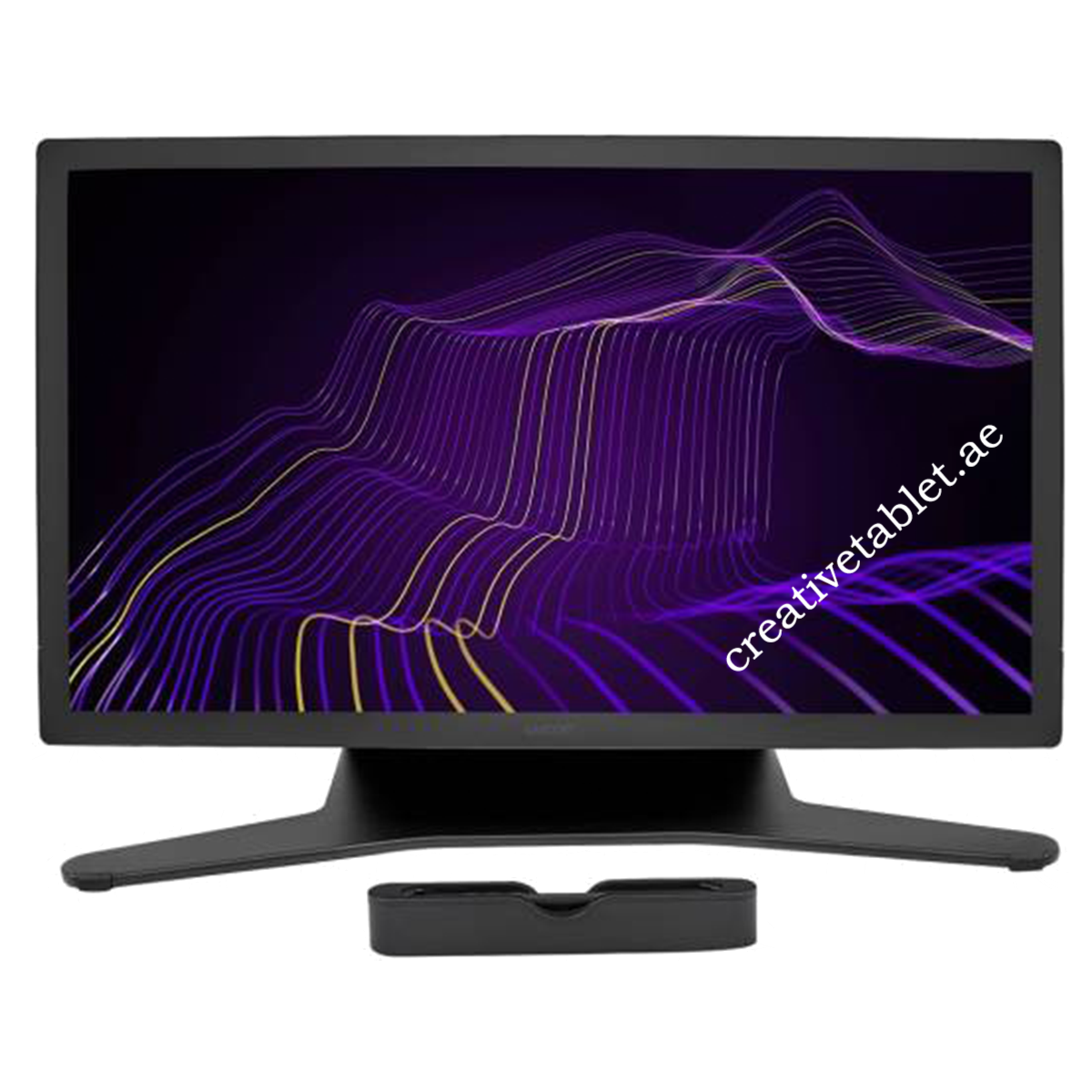
The DTH271K0B-ST package adds the Wacom Cintiq Pro 27 Stand, giving customers a complete desk setup rather than requiring them to purchase a compatible stand separately.
4. Wacom Cintiq Pro 27 4K UHD Display
The Cintiq Pro 27 features a 26.9-inch / 68.3 cm IPS display with:
- 3840 × 2160 resolution
- 4K UHD
- 16:9 aspect ratio
- 400 cd/m² typical brightness
- 1000:1 typical contrast ratio
- 10 ms typical response time
- 1.07 billion colors
- 10-bit RGB / 30-bit color
- 178° viewing angle
The active area measures 596 × 335 mm, approximately 23.5 × 13.2 inches.
5. Wacom Cintiq Pro 27 120Hz Refresh Rate
The display supports a maximum refresh rate of 120Hz.
This provides smoother visual feedback when drawing, moving objects, navigating large canvases and working with animation or other motion-heavy creative content.
The Cintiq Pro 27 can operate at 3840 × 2160 at up to 120Hz, provided the computer’s graphics output and connection support the required bandwidth.
6. Wacom Cintiq Pro 27 Professional Color
The display offers:
- 98% DCI-P3
- 99% Adobe RGB
- 100% Rec.709
- Pantone Validated
- Pantone SkinTone Validated
- HDR Gamma support
This makes the Cintiq Pro 27 particularly suitable for professional color-sensitive workflows including photography, video, illustration, game development and digital content creation.
7. HDR Gamma Support
The Cintiq Pro 27 supports HDR Gamma, including HDR PQ/HLG workflows according to Wacom’s technical documentation.
This helps provide a wider dynamic-range workflow when used with compatible content, applications and graphics hardware.
8. Anti-Glare Tempered Glass
The display uses edge-to-edge tempered glass with AG etching.
The anti-glare surface is designed to reduce distracting reflections while providing a comfortable direct-on-screen drawing experience.
9. Wacom Pro Pen 3
The included Wacom Pro Pen 3 is Wacom’s professional battery-free digital pen.
It provides:
- 8,192 pressure levels
- 5,080 lpi resolution
- 60° tilt recognition
- Battery-free operation
- Cordless operation
- Three customizable side switches
- Customizable grip
- Adjustable pen weight
- Adjustable balance
Wacom describes Pro Pen 3 as highly configurable, allowing users to customize the pen to their preferred working style.
10. Wacom Cintiq Pro 27 10-Finger Multi-Touch
The Cintiq Pro 27 supports 10-finger Multi-Touch using projected capacitive touch technology.
Touch gestures can be used for:
- Zooming
- Panning
- Rotating
- Canvas navigation
- Application controls
- Gesture-based workflow
A dedicated physical Touch On/Off switch allows users to quickly disable touch when required.
11. Eight Customizable ExpressKeys
The Cintiq Pro 27 has eight application-specific ExpressKeys positioned behind the display.
These can provide quick access to frequently used commands and shortcuts.
Wacom also provides on-screen productivity tools such as:
- Precision Mode
- Radial Menu
- Display Toggle
- Pan
- Scroll
- Zoom
- Brush Size
- Pen gestures
- On-screen controls
12. Wacom Cintiq Pro 27 Stand Included
Important for DTH271K0B-ST
The DTH271K0B-ST is the stand bundle.
The Cintiq Pro 27 display itself supports a standard 100 × 100 mm VESA mount. Wacom’s standard DTH271K0B listing states that a stand or compatible VESA mount is required.
The DTH271K0B-ST bundles the display with the Wacom Cintiq Pro 27 Stand, giving the user an adjustable professional workstation setup.
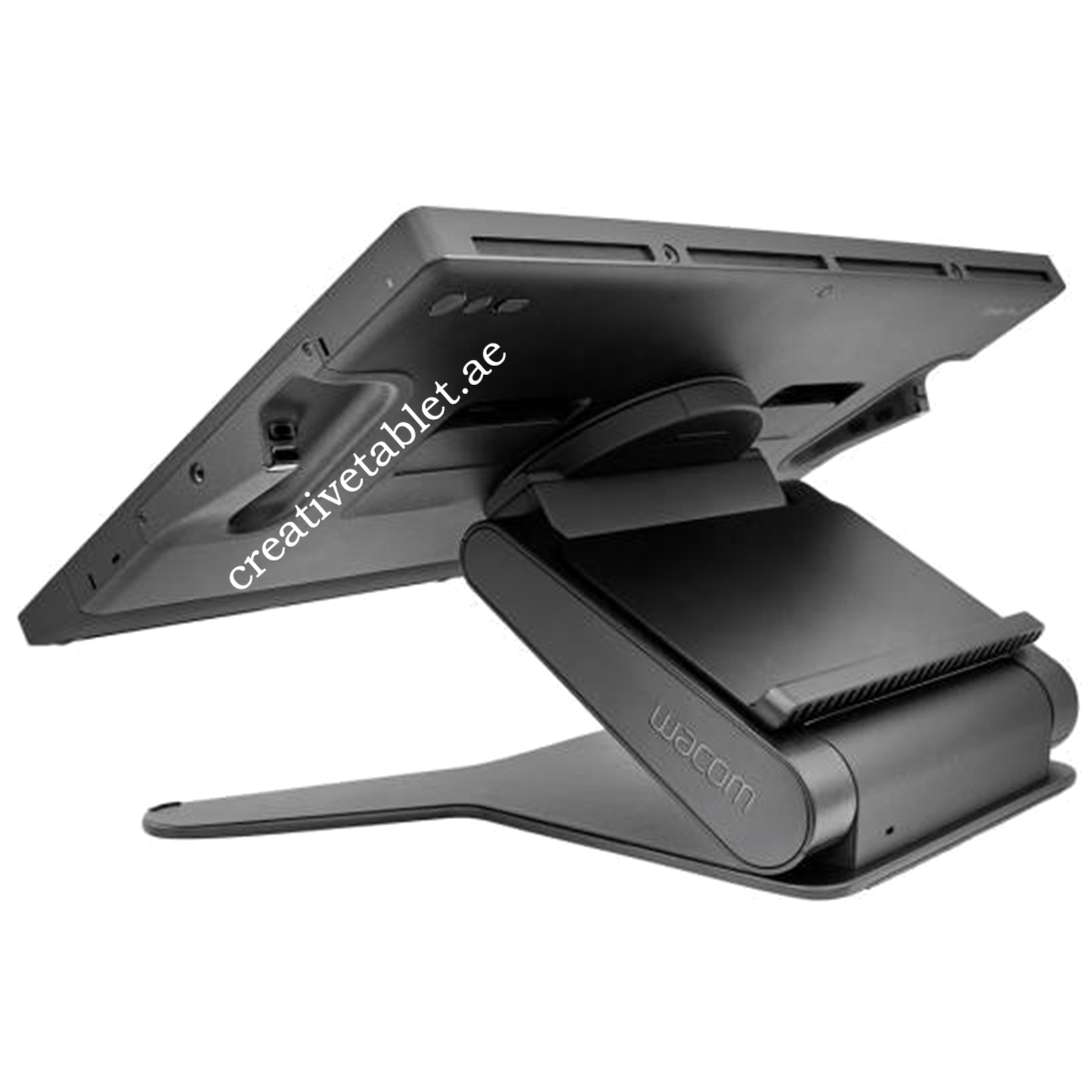
Stand Features
The Wacom Cintiq Pro 27 Stand supports:
- Tilt adjustment
- Height/lift adjustment
- Rotation
- VESA 100 × 100 mm mounting
This allows the Cintiq Pro 27 to be positioned for different drawing and viewing angles.
13. Large 596 × 335 mm Active Area
The Cintiq Pro 27 has a large 596 × 335 mm active area.
That’s approximately:
23.5 × 13.2 inches
The large workspace is particularly useful for detailed illustration, animation timelines, 3D applications, video editing and professional image work.
14. Connectivity
The Wacom Cintiq Pro 27 provides:
- 1 × USB-C with DisplayPort Alt Mode
- 1 × USB-C
- 1 × USB-A
- 1 × HDMI
- 1 × Mini DisplayPort
Graphics input can be provided through:
- USB-C with DisplayPort Alternate Mode
- HDMI
- DisplayPort connection with USB-A
The display supports HDMI 2.1 and DisplayPort 1.4 connections according to Wacom’s technical documentation.
15. Wacom Cintiq Pro 27 Productivity Features
The Cintiq Pro 27 is designed around direct creative interaction.
Productivity controls include:
- 8 ExpressKeys
- Touch On/Off switch
- On-screen controls
- Radial Menu
- Precision Mode
- Display Toggle
- Pan
- Scroll
- Zoom
- Brush Size
- Pen gestures
These controls can reduce the need to constantly reach for a keyboard during creative sessions.
16. Professional Mounting Options
The Cintiq Pro 27 has a 100 × 100 mm VESA mount.
Users can therefore use the included Wacom stand or a compatible VESA arm/mount.
The display also has four standard 1/4-inch photo thread mounting points, providing additional options for accessories and studio equipment.
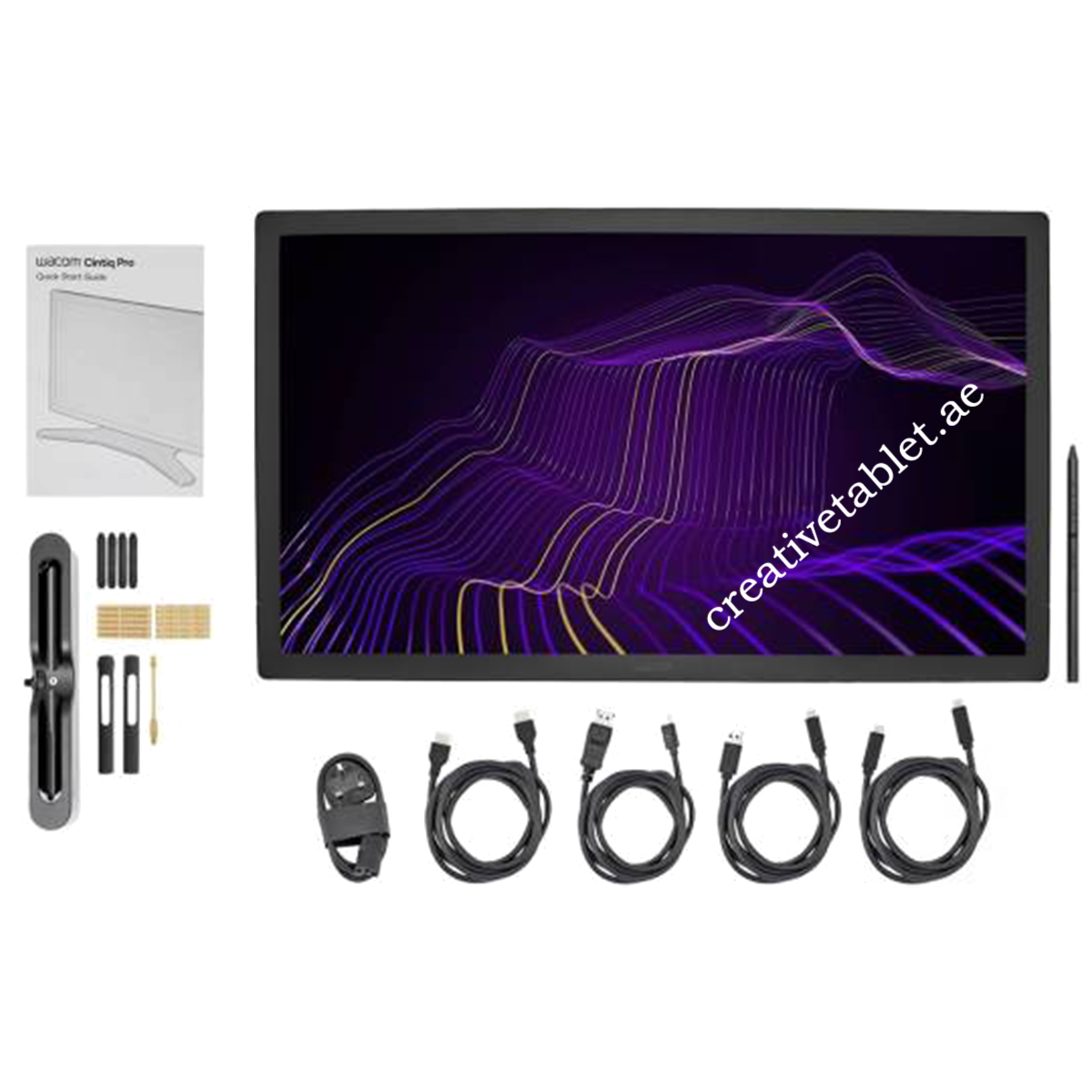
17. What’s Included
For the DTH271K0B-ST bundle, the core package should include:
- Wacom Cintiq Pro 27
- Wacom Pro Pen 3
- Wacom Cintiq Pro 27 Stand
- Pro Pen 3 additional grips
- Pro Pen 3 button plates
- Pro Pen 3 balance weight
- Detachable pen holder
- Replacement nibs
- Nib removal tool
- USB-C to USB-C cable
- USB-C to USB-A cable
- HDMI cable
- Mini DisplayPort to DisplayPort cable
- AC adapter
- Power cord
- Quick Start Guide





Reviews
There are no reviews yet.